Napoleon
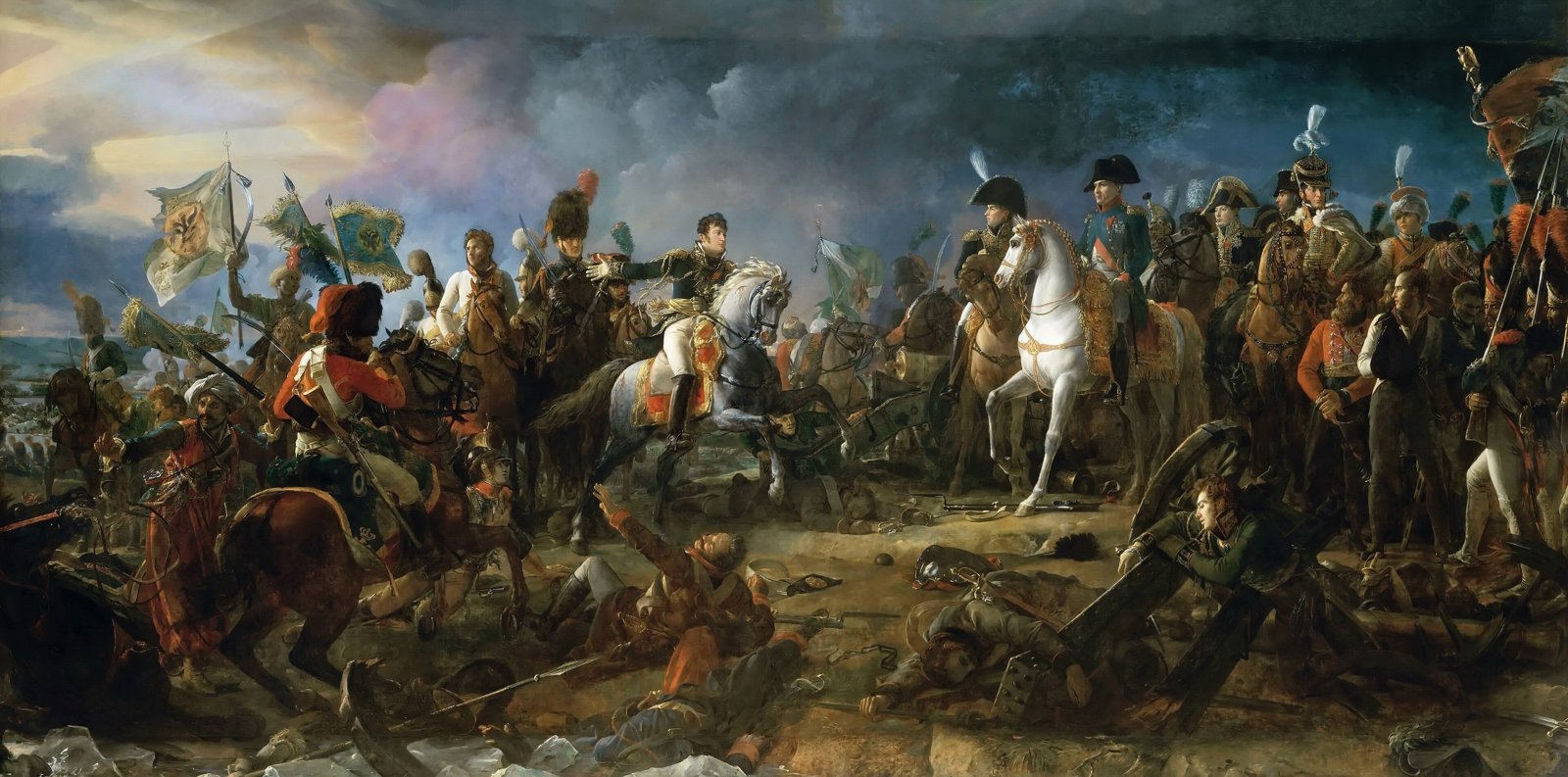
The Battle of Austerlitz, François Gérard (1810). Public domain, via Wikimedia Commons.
About the Project
Napoleon is a strategy game of large-scale battles set in the Napoleonic era, where the opposing armies are led by AI commanders that think and act like their historical counterparts. Napoleon attacks, Wellington holds the line, Frederick looks for the flank: every commander reads the battlefield and gives orders according to his own personality and doctrine, so facing a different general means facing a different battle.
The game runs a local LLM (Phi-4 Mini Instruct) inside Unreal Engine through a custom LLM subsystem. At every decision point the commander receives the state of the battlefield (units, terrain, objectives, morale and battle phase) and answers with a structured plan: an overall intent, the tactical reasoning behind it and the orders for each unit. The heart of the project is the tool that creates these commanders.
Commander Trainer
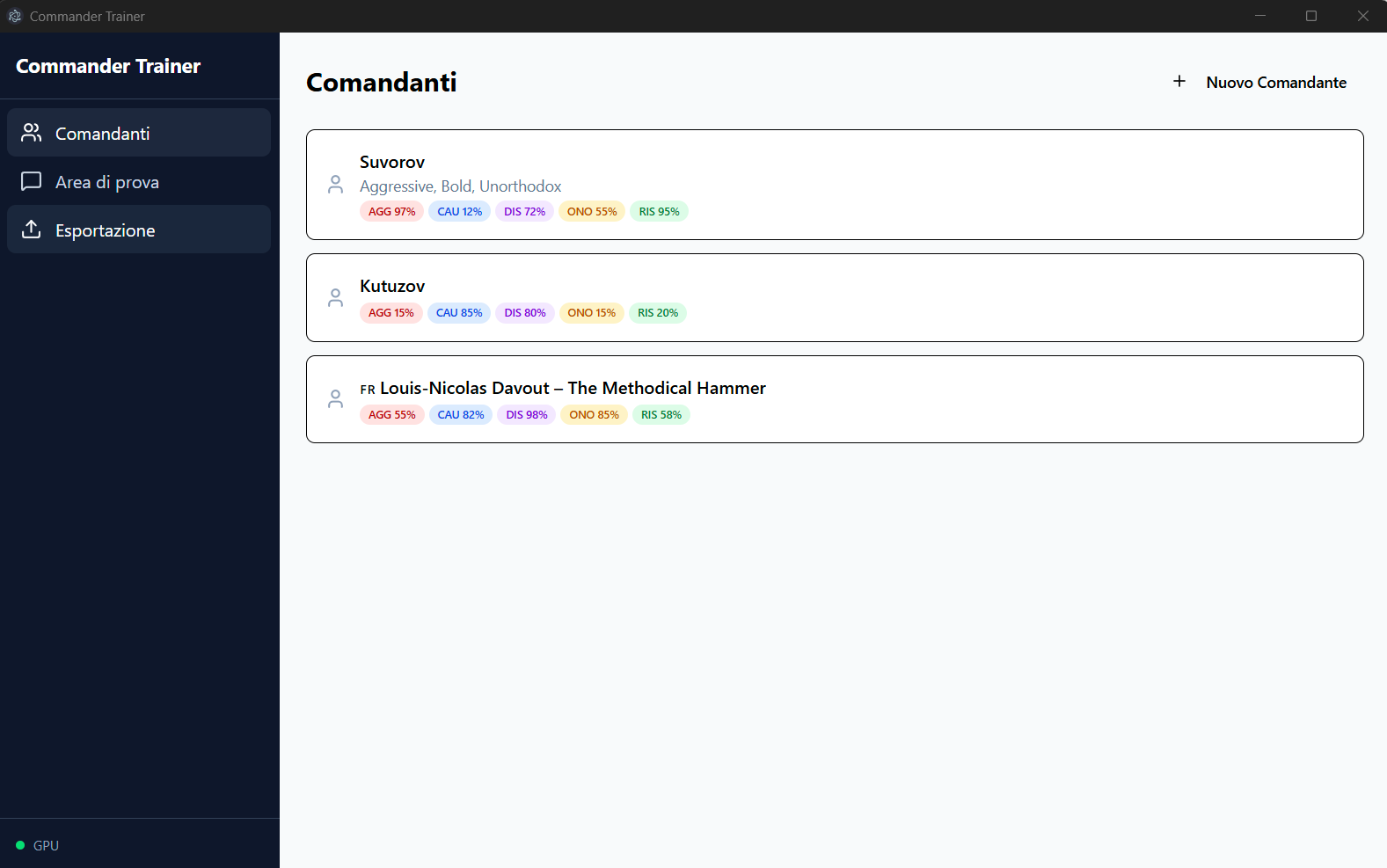
The Commander Trainer is a desktop application (Electron, React and a Python backend) that turns a historical name into a game-ready AI commander, built so that game designers can create and tune commanders without any machine learning knowledge. Suvorov, Kutuzov and Davout are some of the commanders created with it.
How It Works
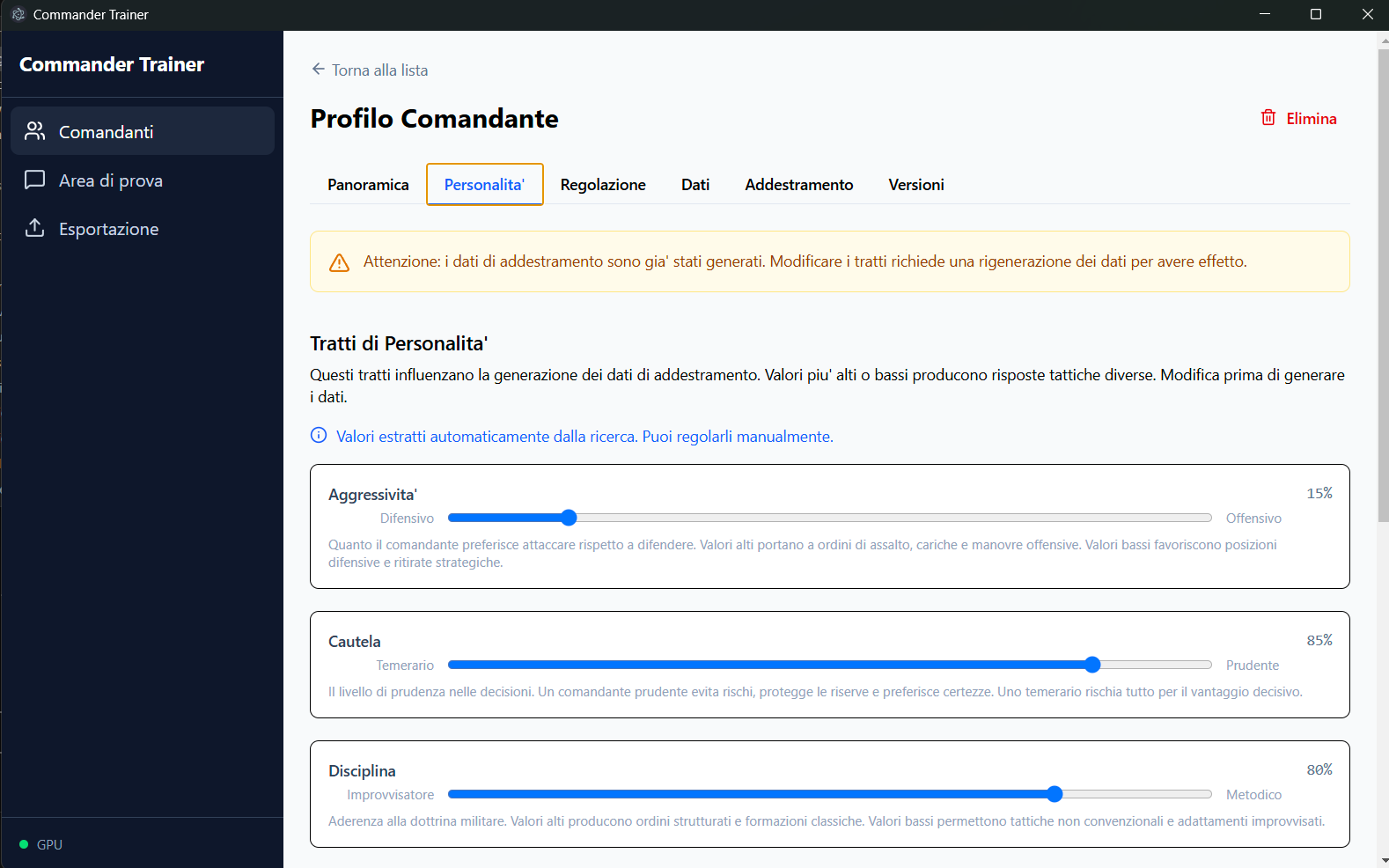
1. Research. The designer types a name, optionally with custom traits. The tool uses Claude to research the character's personality, military doctrine, famous battles and decision patterns, and extracts his personality traits: aggression, caution, discipline, honor and decisiveness, each shown as a slider the designer can adjust.
2. Training data. From the research it generates a wide range of battlefield scenarios with in-character answers, written in the exact prompt and JSON format the game uses, and every example can be inspected from the app.
3. Training. The model is fine-tuned with LoRA/QLoRA on the local GPU with smart defaults, so nobody has to touch a hyperparameter. Every run is saved as a new version.
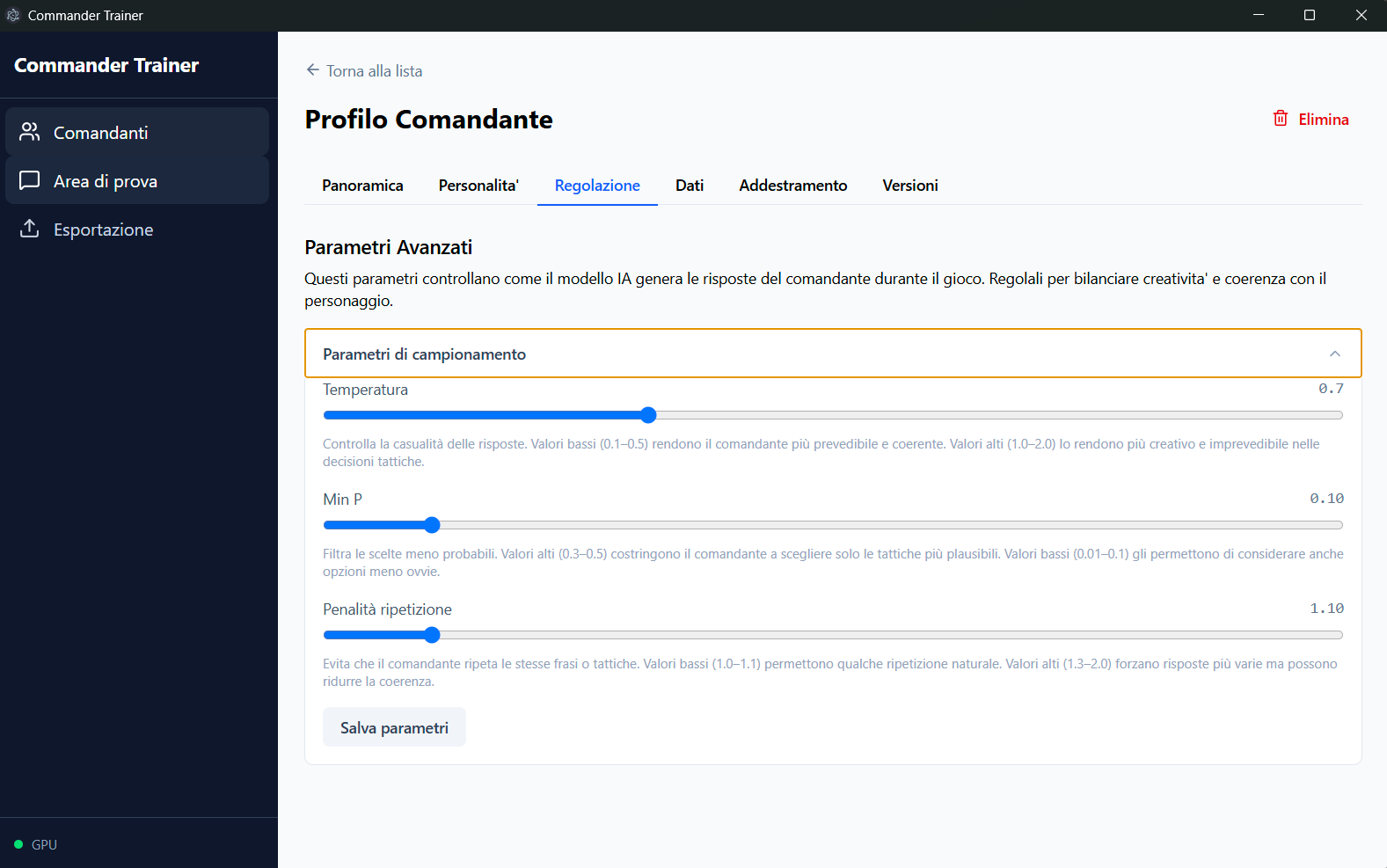
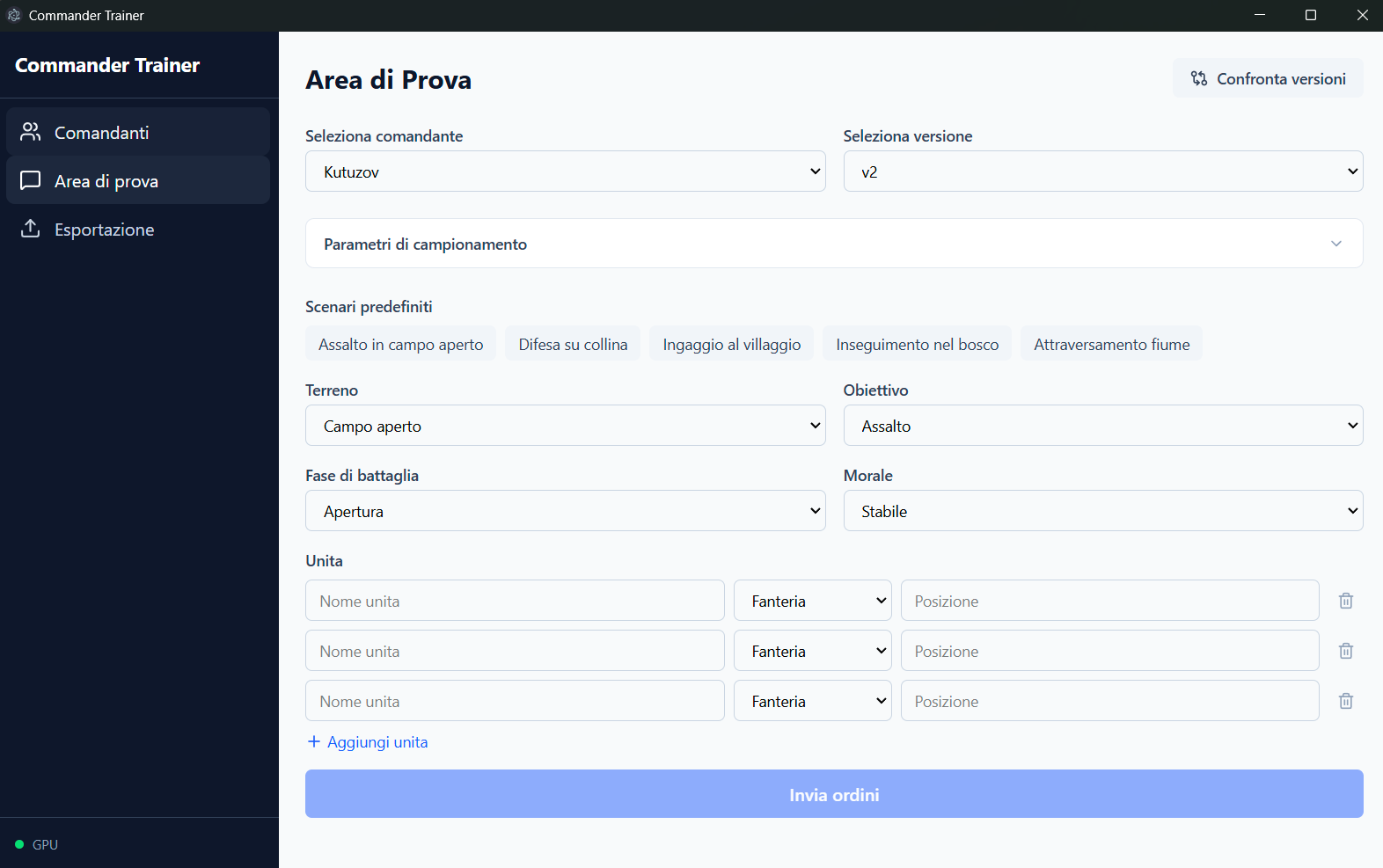
4. Testing and tuning. In the playground the designer builds a scenario (terrain, objective, battle phase, morale and units) or picks a preset one, like an open field assault or a river crossing, and sends it to the commander, comparing different versions side by side. Behaviour can be refined with plain feedback, trait sliders or the sampling parameters (temperature, min P, repetition penalty) that balance creativity and consistency.
5. Export. One click merges and quantizes the model to a .gguf file and copies it into the Unreal Engine project, ready to lead an army.
My Contribution
I was the lead developer and the only developer of the project. I designed and implemented both the AI commander integration in Unreal Engine and the Commander Trainer, from the Electron and React interface to the Python backend for research, data generation, training and export.
Key Features
From a Name to a Model
Type a historical commander and the tool researches him, generates the training data and fine-tunes the model on its own.
Personality Traits
Aggression, caution, discipline, honor and decisiveness, extracted from the research and adjustable by hand.
Natural Language Tweaks
Feedback like "make him more cautious with the reserves" updates the training data and retrains the commander.
Playground
Test the commander on preset or custom scenarios: terrain, objective, battle phase, morale and units.
Versions & Comparison
Every training run is a saved version that can be labelled, compared side by side and restored.
One-Click Export
The trained model is merged, quantized and exported as a .gguf file straight into the Unreal Engine project.
Commander Trainer Gallery